In spring of 2022, I joined an incubation team to work on products helping people build connection in a remote environment.
We built real-time multiplayer activities and games to be used within the Microsoft Teams app.
Highlights


As a designer on a smaller team I was able to work on multiple aspects of the product.
I was able to contribute with end-to-end design on new games and UX features for our larger platform experience.
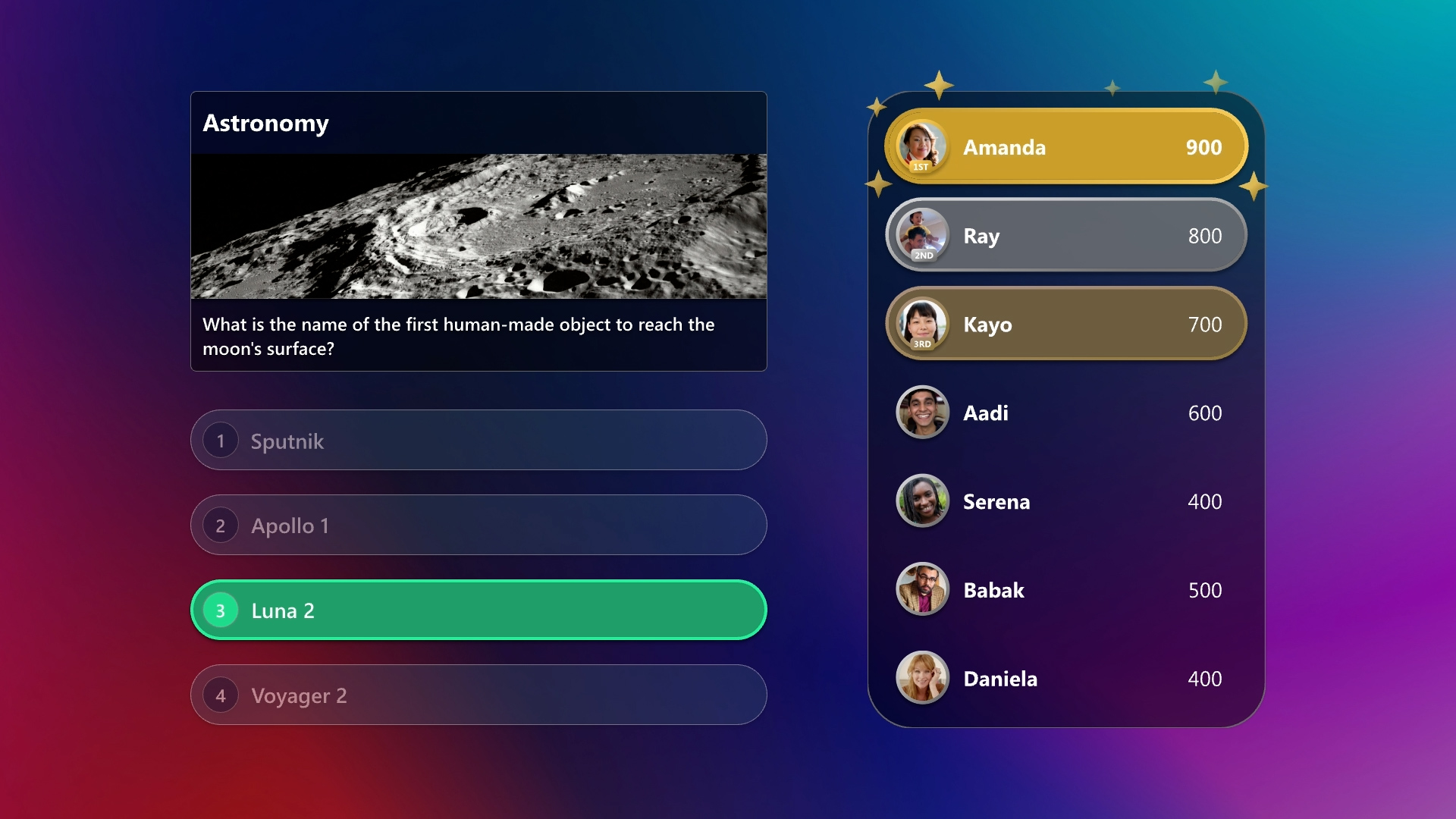
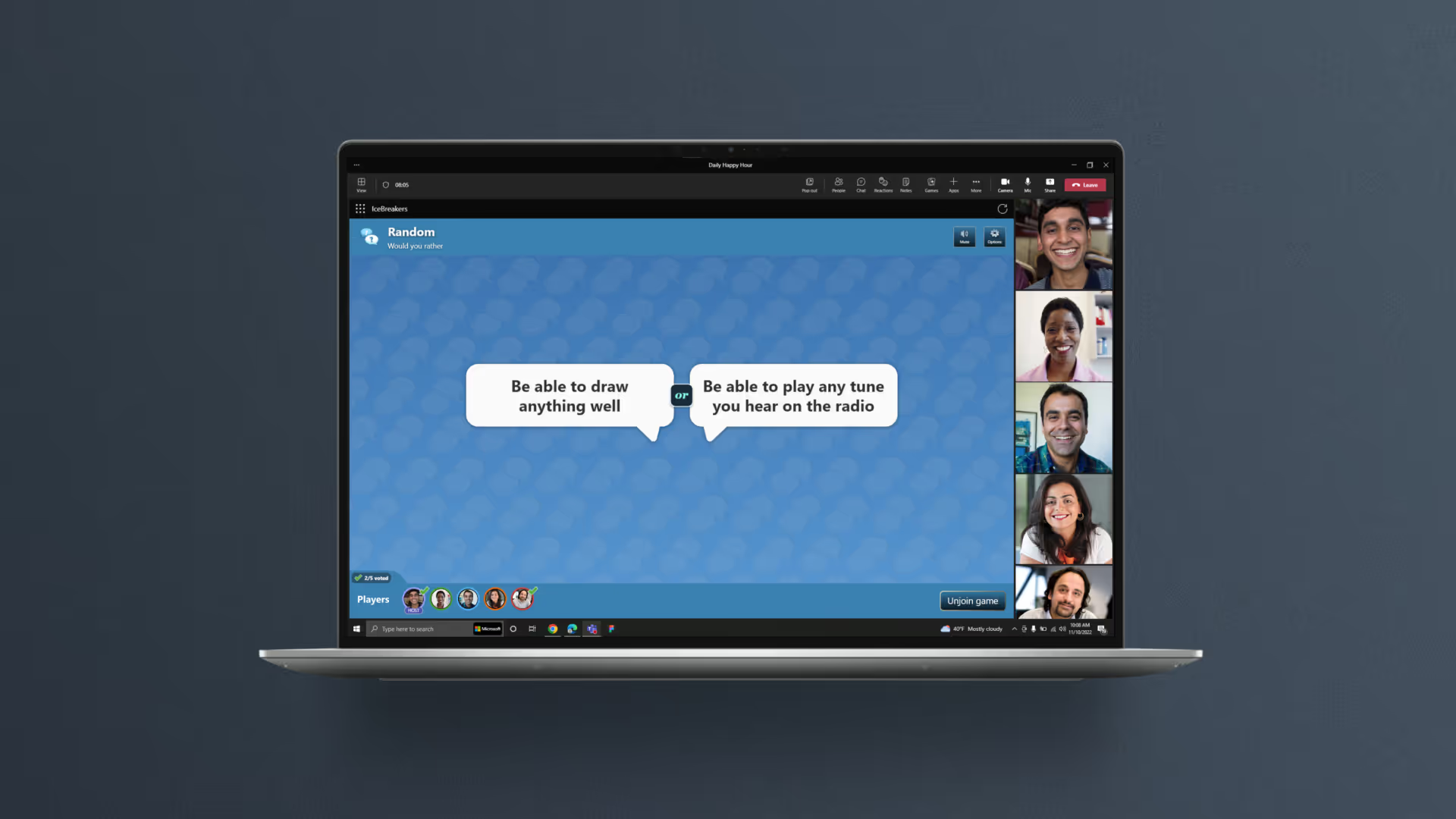
I worked on IceBreakers, a voting centric, conversation based experience and the Games for Work platform experience that included several multiplayer version games from the Microsoft Casual Games library.
I was responsible for the design of navigation features within the app, and a component system for the game tiles and ratings we utilized.
In addition to the elements that shipped with Games for Work, I prototyped and worked on several other games.

As an incubation we built and tested the conversation starter app. After encouraging play tests and feedback from users, I reskinned it to fit in with the Microsoft Casual Games properties it was going to share an app with in Games for Work.
I prototyped and worked with two engineers to give to make the interactions more engaging and we added a few features that had come up in testing.
I adapted visual patterns and interactions from the other properties to effectively re-skin our prototype designs in time for the launch.
In order to help the leader of a meeting manage the group activity I designed UI patterns with a few key features.
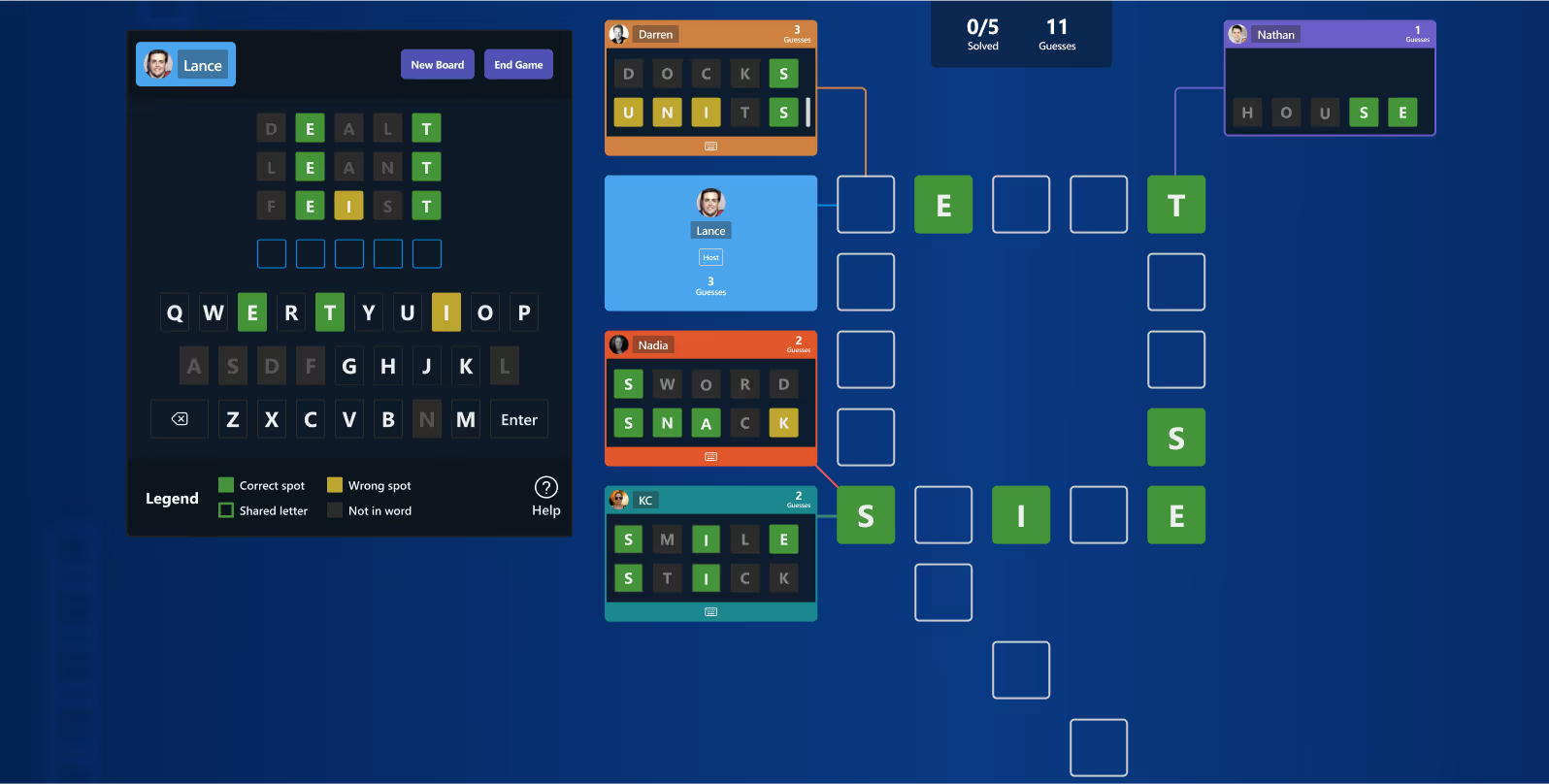
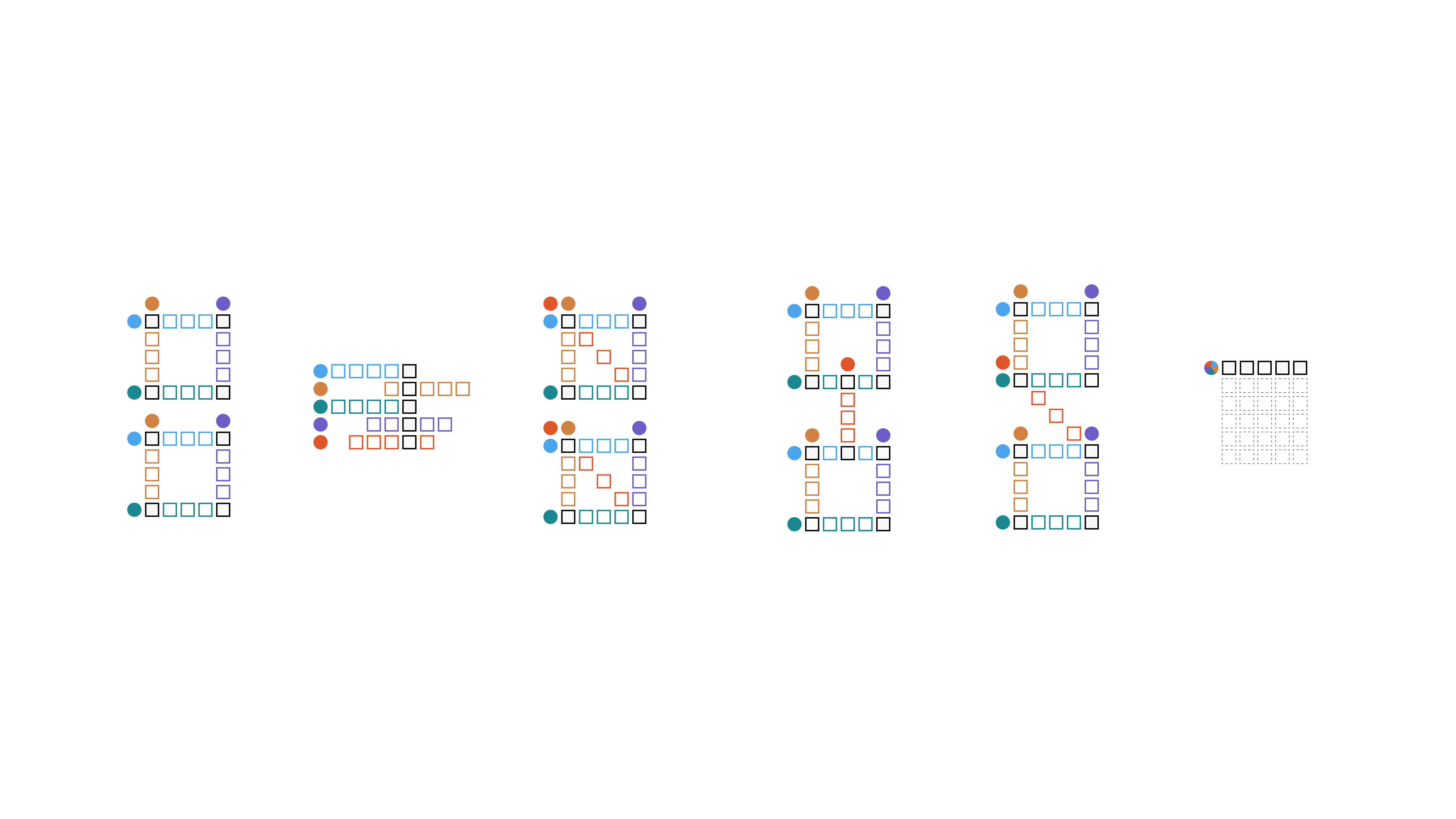
One game concept we worked on was based on a collaborative board. Our goal was to create a dynamic that would encourage collaboration. We tried multiple configurations that revealed interesting dynamics based on time limit or amount of players.

It was common to see variation in how participants responded to the activities. Some were competitive and others were more reserved and wanted something low-stakes. I looked for ways to engage less competitive players by offering metrics that stirred conversation instead.
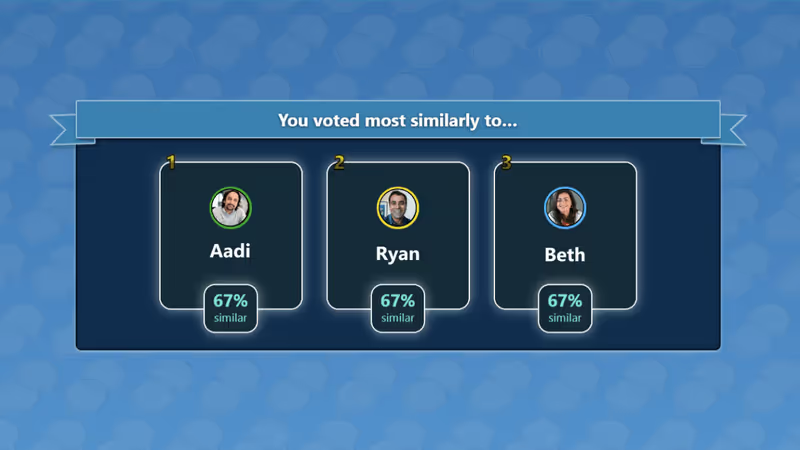
One idea that I introduced to our IceBreakers game was to highlight shared affinity within the group. Rather than a ranking by score, we displayed a "Top 3" of people who responded similarly.
This was a broad success across test groups and sparked lots of conversation even among those who did not know each other very well before.
.png)
One convenient thing about the Games for Work app is that it is nested inside of Microsoft Teams. This made it easy to access and bring right into your meeting.
The downside is you were effectively using an app, in an app in an app.
The initial navigation flow to launch and manage apps wasn't ideal.
To help with this, I designed a persistent "Games for Work" header bar that included a linked icon to other available games and a reload button for any situations where users might get stuck.
Individually, each game had a visually lighter secondary bar that included game specific options to avoid the cognitive clutter of multiple bars.

As an app within teams, Games for Work contained a small library of games.
One component I was responsible for designing was the tile for each property.
Even though we weren't a typical app store, we still needed to include descriptors for the content including:
We had a few iterations based on sizing for accessibility and ultimately used these components in a side bar navigation and a drop down menu within the Games for Work app.
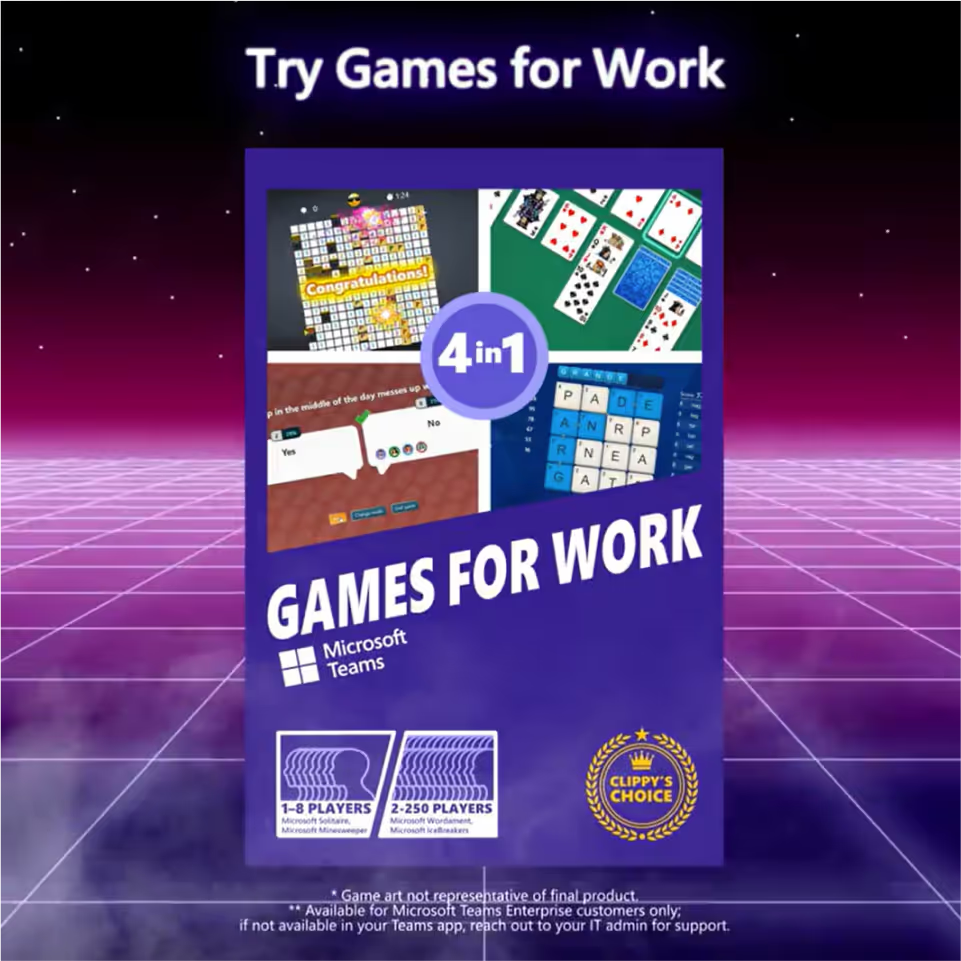
In November of 2022, "Games for Work" was made available to enterprise Microsoft Teams clients with 4 initial games.
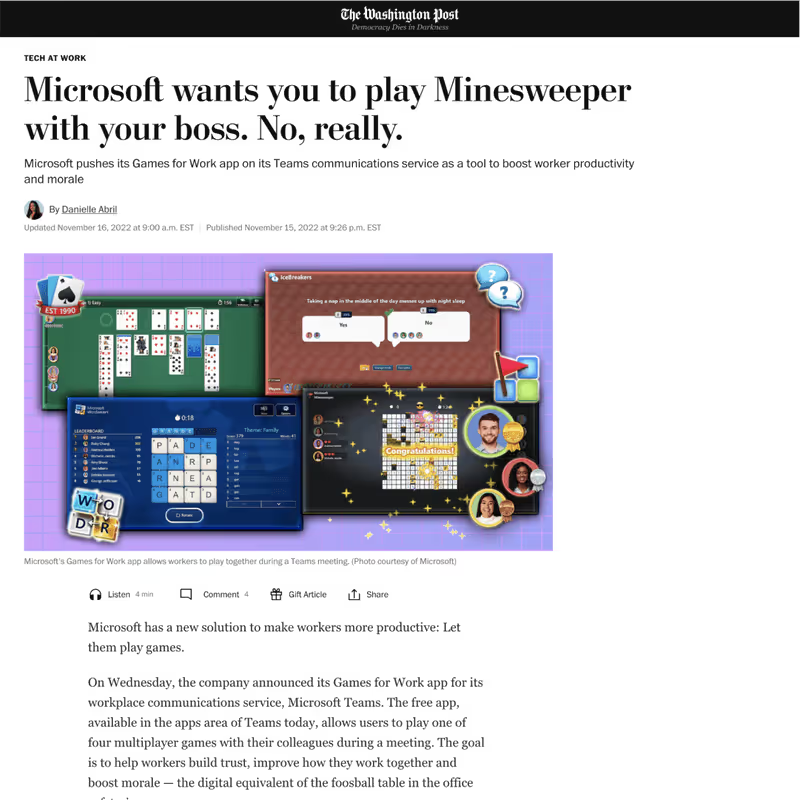
As a fun side note, the release was featured in mainstream press including The Washington Post, CNBC, and a good natured roast by Seth Meyers.